Live Self-Demonstration
Takes 2 minutes
Meet

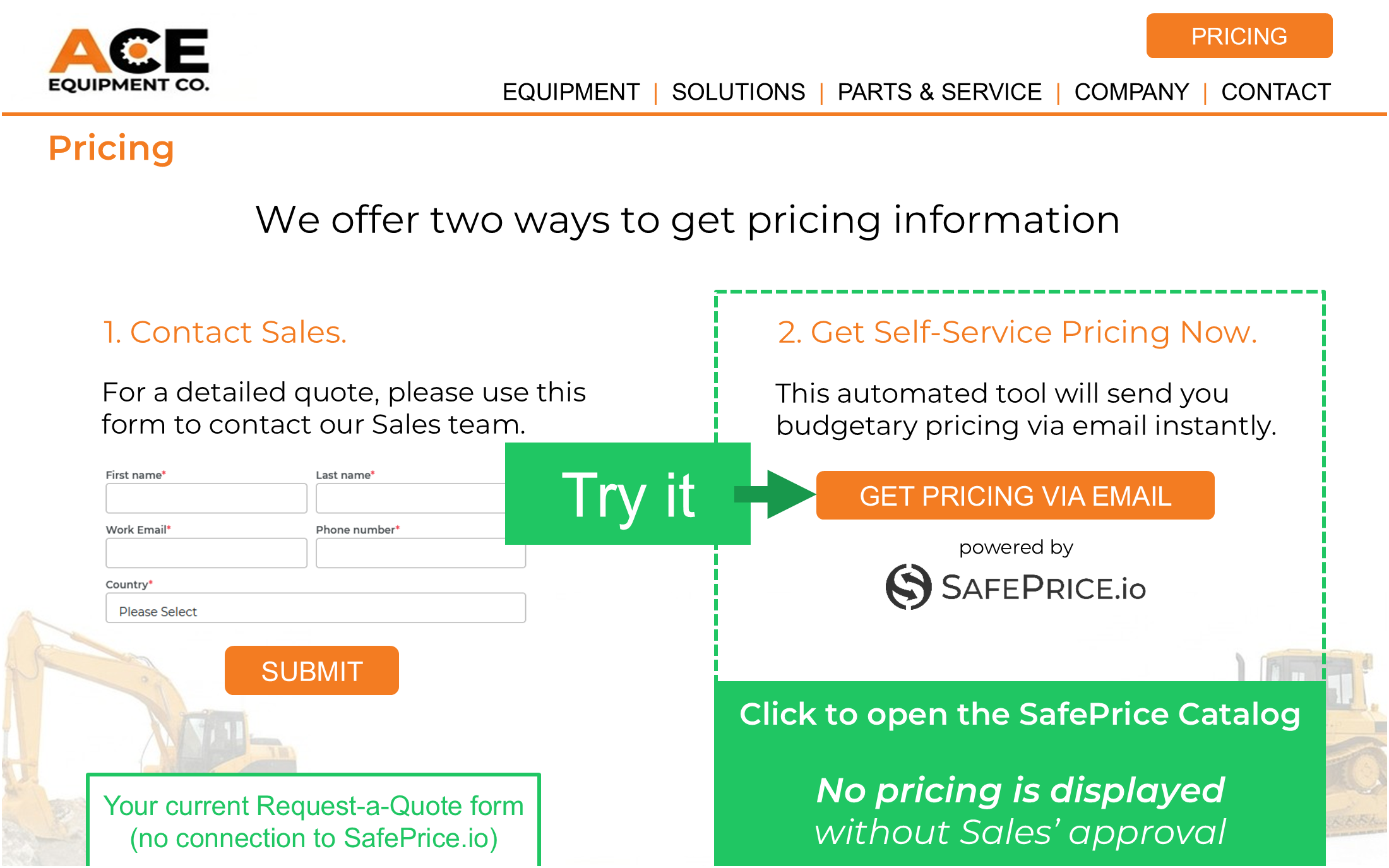
ACE Equipment is a fictitious company that manufactures commercial equipment.
- ACE has fairly good traffic on their website (Over 500 visitors per month)
- They want to capture more high-quality leads
- They do NOT want to publish or provide pricing without Sales approval
- To solve both problems, they added a SafePrice.io button to their website
This is a dual-role DEMO. Here’s how it works:
In this demonstration, you will be playing two (2) roles; first as the Prospect who is requesting pricing and second as the Sales person who approves the request. You’ll experience the control and speed SafePrice.io gives your Sales team to engage new prospects while satisfying a potential customer’s Price Curiosity.
- Click the SafePrice.io button “Get Pricing Via Email” like a Prospect would
- Follow the steps to request pricing; make sure you use a valid Email address
- Check your Email for a “$-REQUEST” message (this is what Sales receives)
- Click the “Approve/Send” link in the Email to generate and send pricing
- You’ll receive a Price estimate via Email (this is what the Prospect receives)